Xquik-dev/hermes-tweet
Hermes X (Twitter) plugin that gives Hermes Agent monitors, automation & tweet search. Not affiliated with X Corp.
Hermes Tweet connects Hermes agents to the Xquik API for searching posts, reading profile timelines, and monitoring accounts. It also supports actions such as posting, replying, and exporting followers, with actions disabled by default and approval required for `tweet_action`.
- Includes separate tools for catalog search, reads, and actions.
- Bundles a Hermes Skill and two slash commands.
- Requires an Xquik API key for API access.
full readme from github
Hermes Tweet, the Hermes X (Twitter) Agent Plugin for Search & Actions
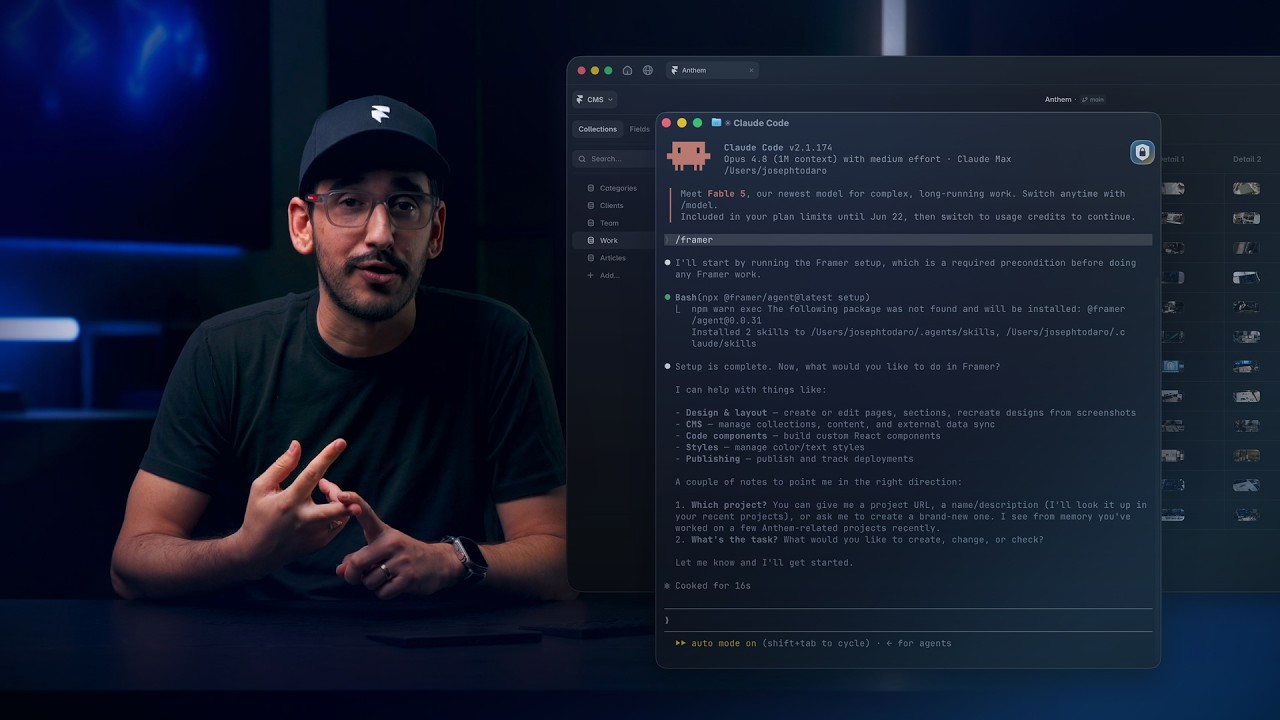
Watch Framer build a tweet ticker with Xquik, from 6:07.
Hermes Tweet brings the Xquik API to Hermes agents.
Use this Hermes Twitter plugin by Xquik to search tweets & monitor accounts. Explore 102 OpenAPI-generated endpoints, including 33 prepaid reads and 7 direct MPP routes.
Xquik is the world's fastest and cheapest X (Twitter) scraper service with the most complete X (Twitter) data. Most other Apify Actors charge before filtering or deduplication. Xquik charges only for delivered, unique, filter-matching results and never pads rows. Xquik is independent and not affiliated with X Corp.
The Xquik REST API read 45 tweets per second on 2026-10-15. That cost $0.15 per 1,000. The fastest of 4 rival Actors read 12.5 per second. The cheapest cost $0.173 per 1,000. Compare each run.
Install the Hermes Twitter plugin
Install and enable the plugin in Hermes Agent.
hermes plugins install Xquik-dev/hermes-tweet --enable
Create an API key in Xquik. Set it in your environment, then restart Hermes.
export XQUIK_API_KEY="xq_..."
Common X (Twitter) API tasks
Ask Hermes in plain words.
It calls tweet_explore, then the tool the catalog names.
Search tweets about "AI agents" from the last day.
| Task | Catalog query | Tool |
|---|---|---|
| Search X (Twitter) posts | search tweets by query |
tweet_read |
| Read profile timelines | list recent tweets posted by a user |
tweet_read |
| Export followers | run extraction |
tweet_action |
| Export following accounts | run extraction |
tweet_action |
| Monitor an account | create monitor |
tweet_action |
| Post or reply | create tweet |
tweet_action |
Set include_actions for extraction, monitoring, and writing searches.
tweet_action always follows the approval rules below.
Next, read the Hermes Tweet guide or the integration patterns.
Benchmarks & usage



- 3,000+ downloads of hermes-tweet on PyPI (source)
- 1,200+ downloads of hermes-tweet on ClawHub (source)
- 7 installs of this repo's Skills on skills.sh (source)
- This repo meets the OpenSSF Best Practices passing criteria (source)
Checked on 2026-11-08. See each number with its date & source on xquik.com/benchmarks or as JSON.
Monitor an X (Twitter) account from Hermes
Turn on actions, restart Hermes, then ask for a monitor.
Hermes calls tweet_explore for create monitor, then tweet_action after your approval.
export HERMES_TWEET_ENABLE_ACTIONS="true"
Monitor @NASA for new posts and show me each one.
Run a Twitter bot & X (Twitter) automation with approval
Posts, replies and follower exports run through tweet_action.
The bundled skill asks for your approval before each action.
Actions stay off until you enable them.
Post "Launch day" from my connected X account.
Export the followers of @NASA.
Tools
Reads and actions use separate tools. The plugin bundles a Hermes Skill and 2 slash commands.
| Tool | Purpose |
|---|---|
tweet_explore |
Search the bundled catalog. Makes no API call. |
tweet_read |
Call catalog-listed read endpoints. |
tweet_action |
Call private or mutating endpoints. Off by default. |
Use tweet_explore first.
Then pass a listed /api/v1/... path to the matching tool.
Copied Xquik URLs work when their paths match the catalog.
Slash commands
| Command | Purpose |
|---|---|
/xstatus |
Show Xquik account and usage status. |
/xtrends |
Show current X (Twitter) trends. |
Other install paths
Hermes scans plugins during install and update. Review any warning before you continue. A dangerous verdict blocks installation or disables an update.
Hermes installs no extra Python package for this plugin.
Hermes core already ships httpx, its only dependency.
Do you manage the Hermes Python environment yourself?
Add the hermes-tweet PyPI package to it, then enable the plugin.
hermes plugins enable hermes-tweet
Install a local checkout with this command.
hermes plugins install file:///absolute/path/to/hermes-tweet --force --enable
Configure
These settings are optional.
export XQUIK_BASE_URL="https://xquik.com"
export HERMES_TWEET_ENABLE_ACTIONS="false"
Restart Hermes after you change environment variables.
Safety
- Tools never accept credentials as arguments.
- The plugin injects
XQUIK_API_KEYat request time. - Admin, billing, credit, support, guest-wallet, and API-key routes stay hidden.
- Account re-authentication routes stay hidden.
- Binary downloads stay outside the agent catalog. Use REST for those files.
- Private reads and mutations use
tweet_action. tweet_actionrequiresHERMES_TWEET_ENABLE_ACTIONS=true.
Without an API key, Hermes exposes only tweet_explore.
Development
Regenerate the catalog from the canonical OpenAPI schema.
python scripts/build_catalog.py ../xquik/openapi.yaml
Run every check before you open a pull request.
bin/check-local
Questions
Do I need an X (Twitter) developer account?
No. Public reads need only an Xquik API key. Private reads & X (Twitter) account actions need a connected account.
Is Hermes Tweet the official X API?
No. Xquik runs its own REST API. Hermes Tweet calls that API, not the official X API.
Links
- Xquik API reference
- Xquik authentication
- Context7 guide
- Hermes runtime hosts
- Organization support policy
- Security policy
- Contribution guide
More Xquik tools
- X (Twitter) scraper API & X (Twitter) MCP server with REST, MCP & Skill setup.
- X (Twitter) API SDKs for TypeScript, Python, Go & Ruby.
- X (Twitter) API SDKs for Java, Kotlin, C# & PHP.
- Twitter CLI & X CLI for terminal workflows.
- Twitter advanced search operators with tested examples.
- Xquik X API & Twitter scraper and the X (Twitter) API documentation.
License
Xquik is an independent third-party service. Not affiliated with X Corp. "Twitter" and "X" are trademarks of X Corp.