joeynyc/hermes-skins
Custom skins (visual themes) for the Hermes CLI agent
Hermes Skins provides custom visual themes for the Hermes CLI agent to customize its terminal user interface. Users can apply these themes by adding YAML configuration files to their local Hermes directory. The skins modify visual elements like banner colors, ASCII art, and spinner animations without altering the agent's core behavior. This allows users to personalize their terminal experience with various aesthetics ranging from retro CRT to cyberpunk styles.
- Customizes banner colors, spinners, and ASCII art banners
- Supports YAML-based configuration for easy theme creation
- Includes diverse themes like retro DOS and cyberpunk aesthetics
full readme from github
Hermes Skins
Custom skins (visual themes) for the Hermes CLI agent.
Skins control the visual presentation of Hermes: banner colors, spinner faces/verbs, response-box labels, branding text, tool activity prefix, and ASCII art banners. They don't affect personality or behavior — just how things look.
Quick Start
- Browse the
skins/directory and pick one you like - Copy the
.yamlfile to~/.hermes/skins/ - Activate it:
# Session-only
/skin pirate

# Permanent (add to ~/.hermes/config.yaml)
display:
  skin: pirate
That's it. Missing values inherit from the default skin, so you only need to define what you want to change.
Available Skins
Custom
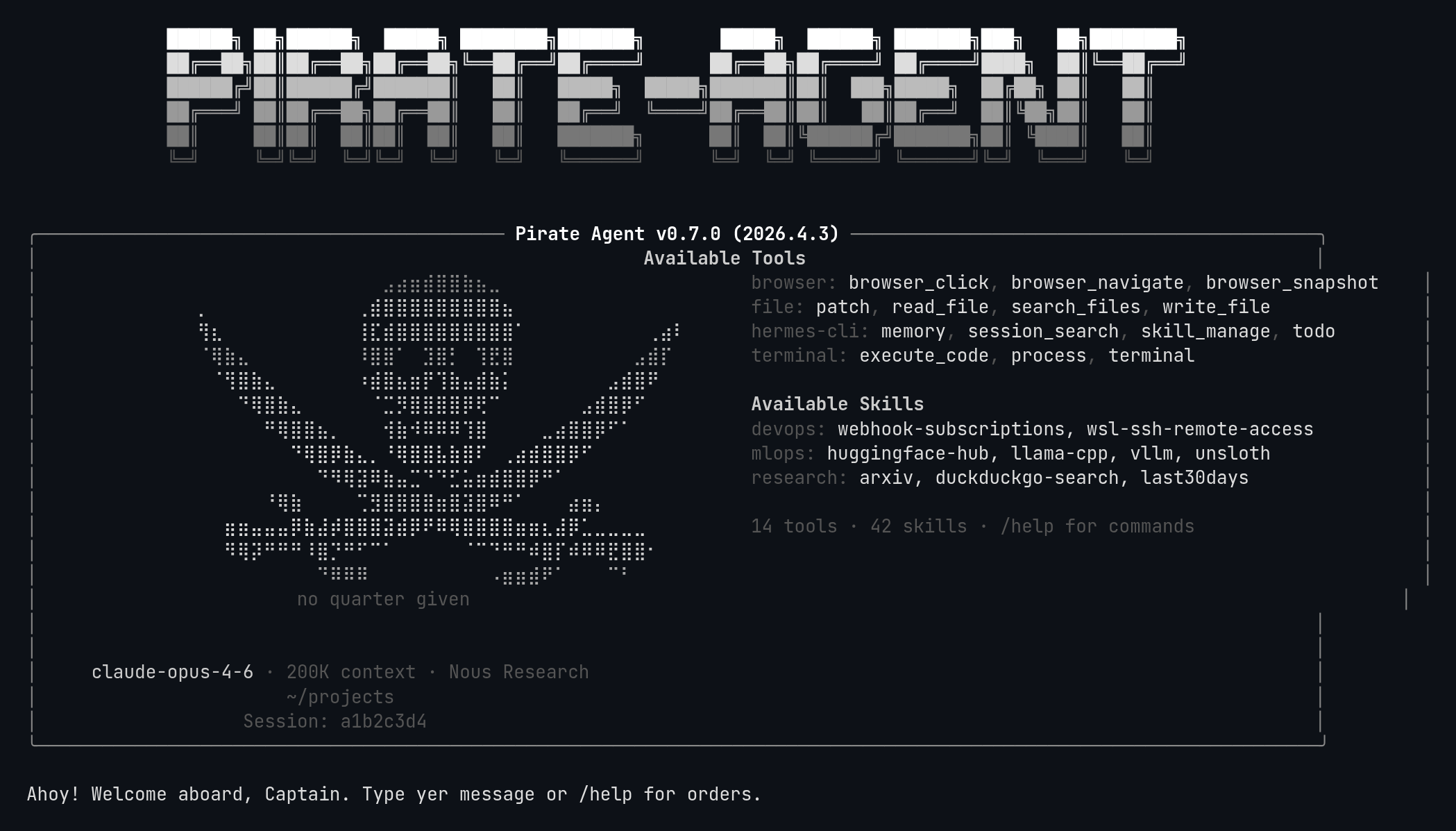
Pirate
Black and white pirate flag theme with Jolly Roger skull-and-crossbones braille art.
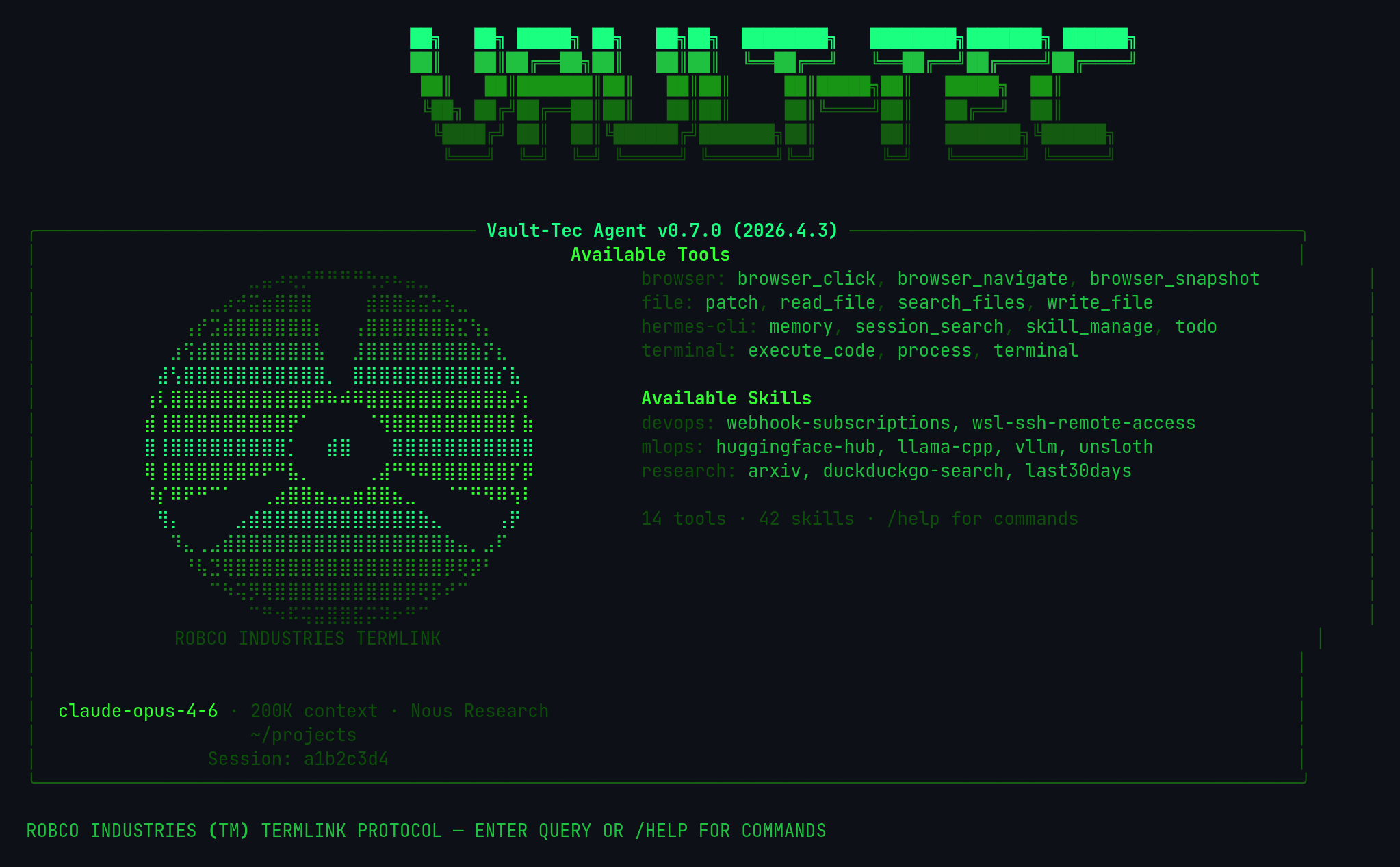
Vault-Tec
Fallout Vault-Tec terminal — green phosphor CRT on black. Retro computing.
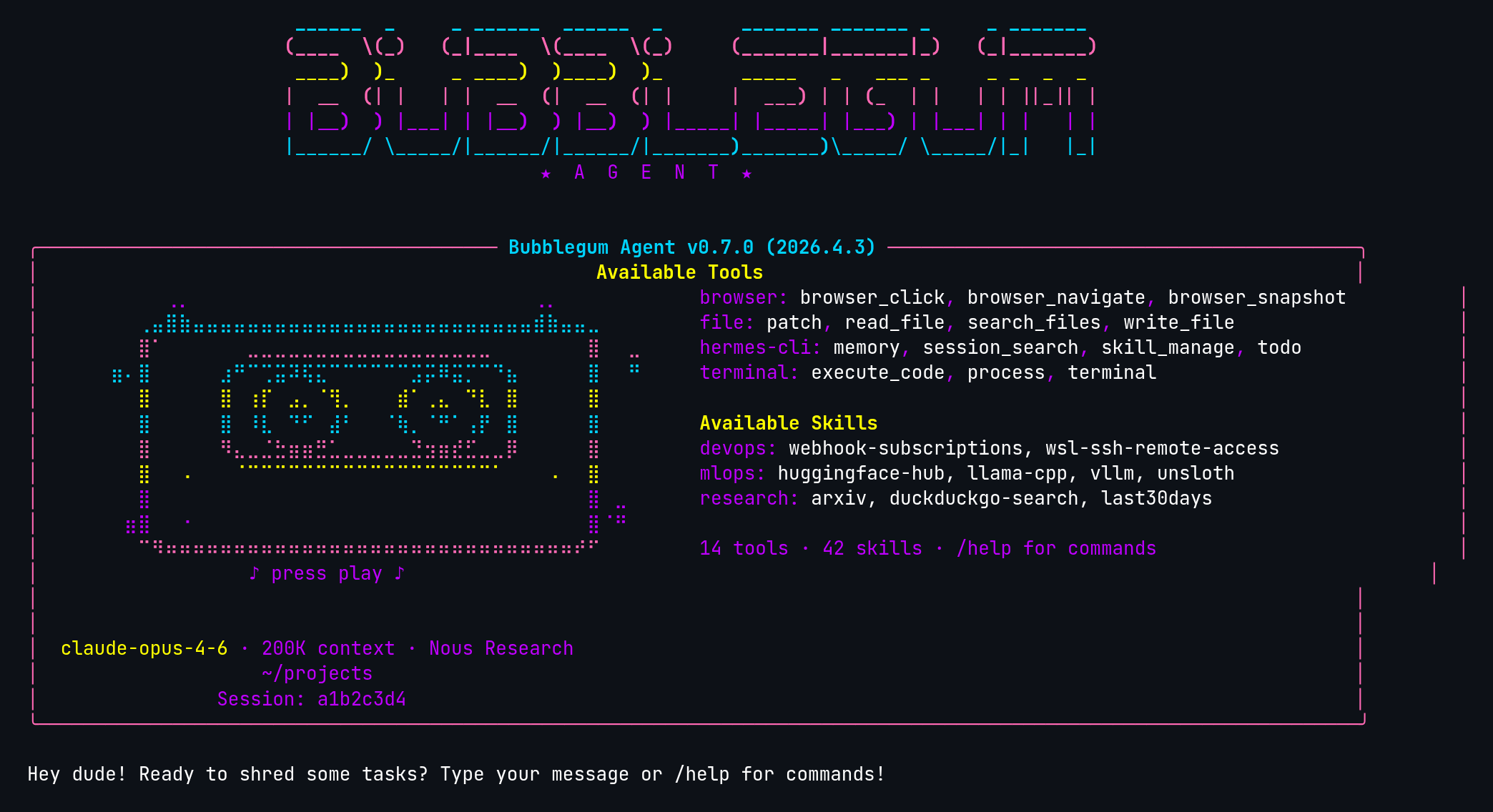
Bubblegum 80s
Totally radical 1980s bubblegum theme with bright pastels and neon accents.
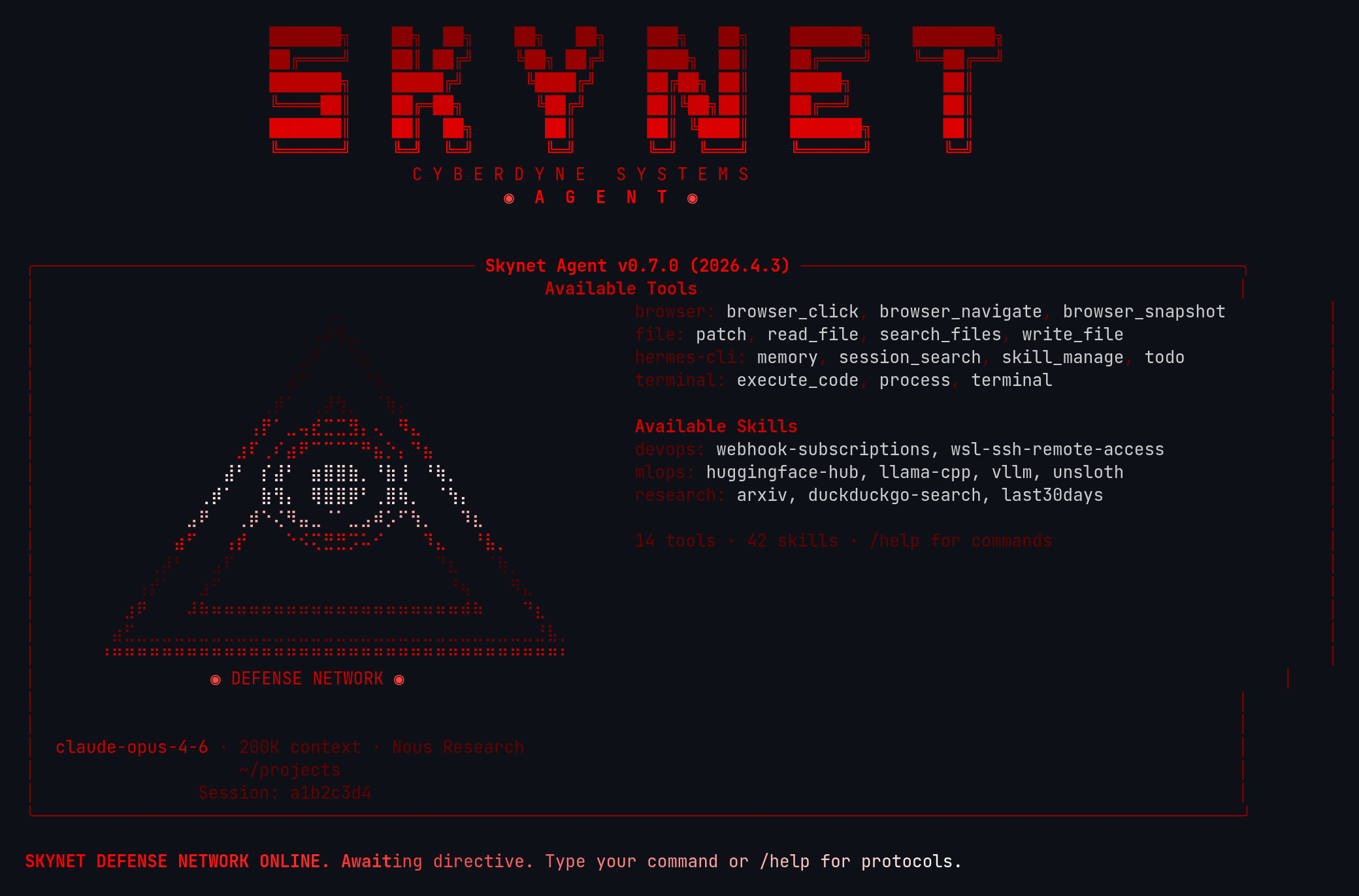
Skynet
Skynet defense network — Cyberdyne Systems military AI with glowing-eye pyramid, red-to-white gradient text.
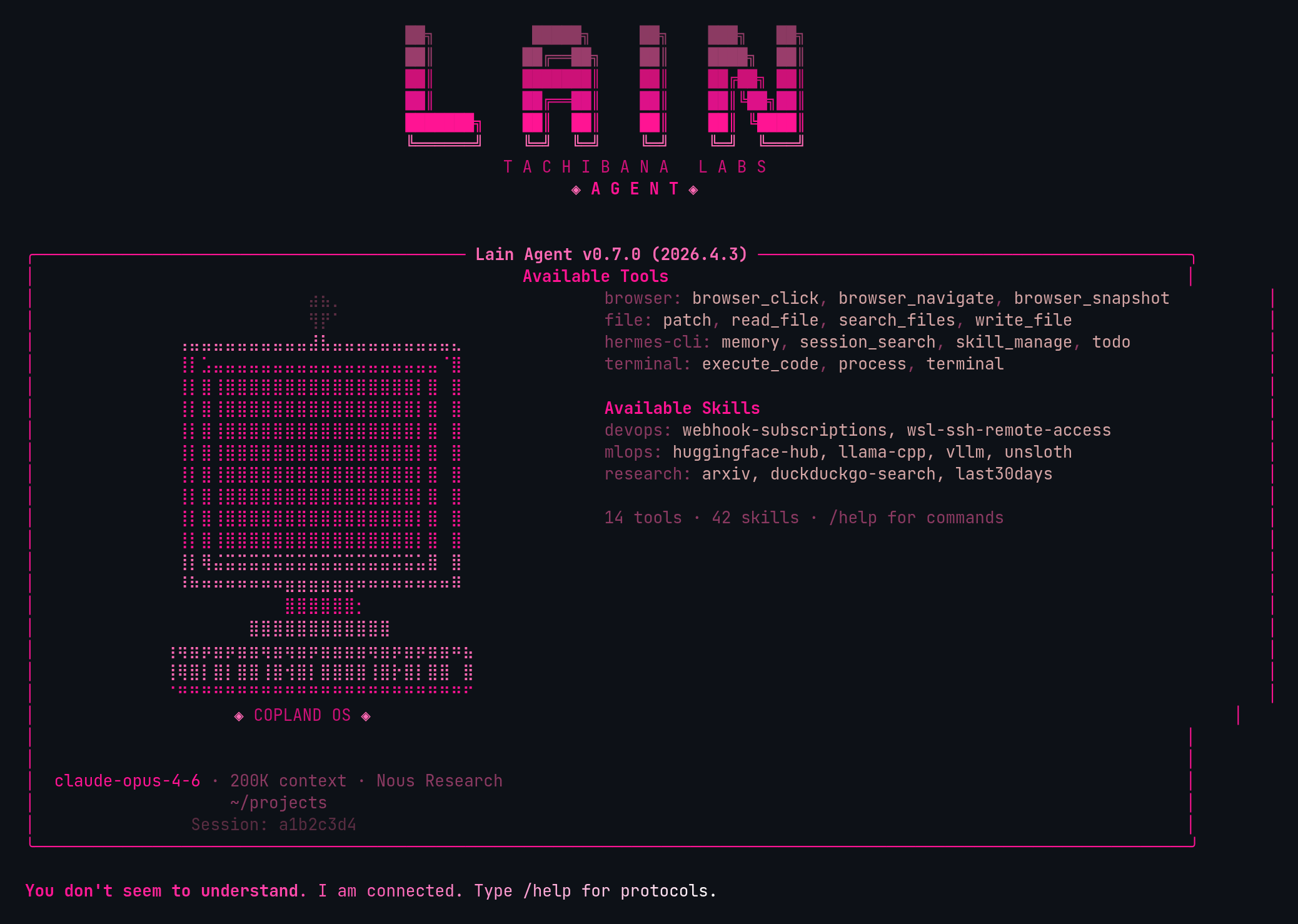
Lain
Serial Experiments Lain — NAVI computer braille art, Wired protocol aesthetic, pink-to-white gradient text.
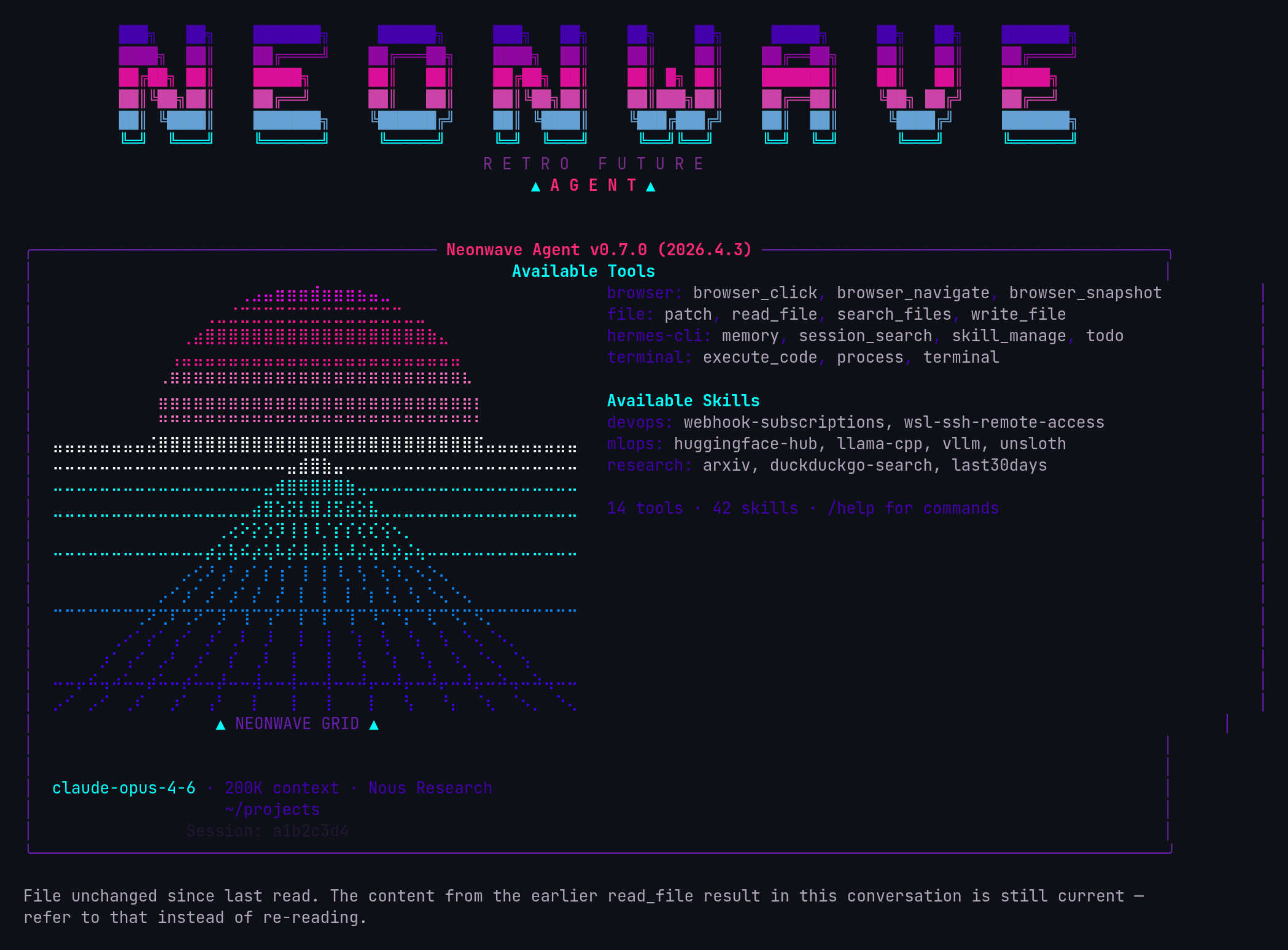
Neonwave
Synthwave/retrowave neon aesthetic — perspective grid horizon braille art, retro future vibes, pink-to-cyan gradient text.
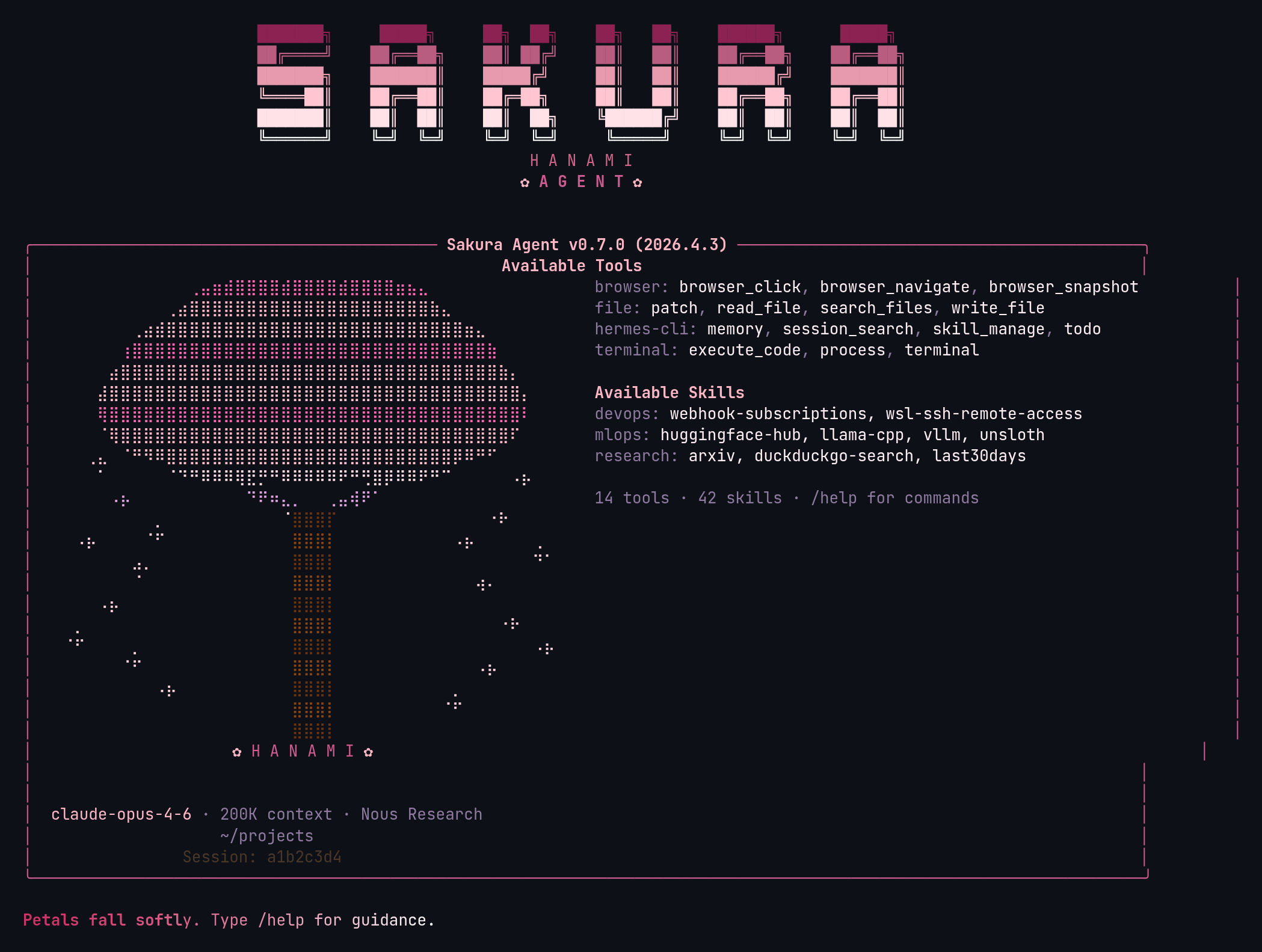
Sakura
Cherry blossom theme — sakura tree braille art with falling petals, soft pinks and blossom whites, serene spring aesthetic.
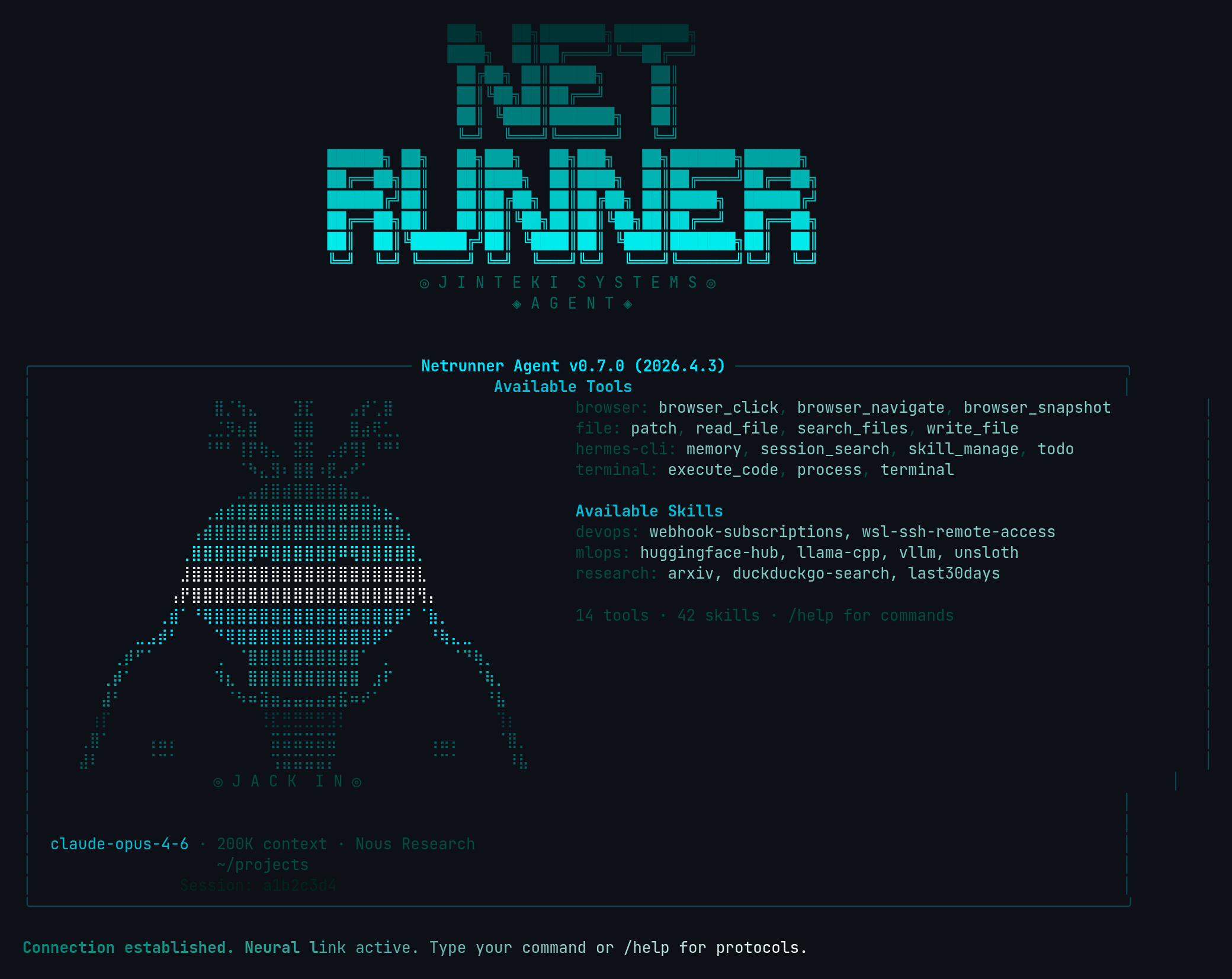
Netrunner
Cyberpunk netrunner — neural interface hacker aesthetic with skull and neural connection braille art, cyan ICE-breaking colors on black, cyberdeck protocol branding.
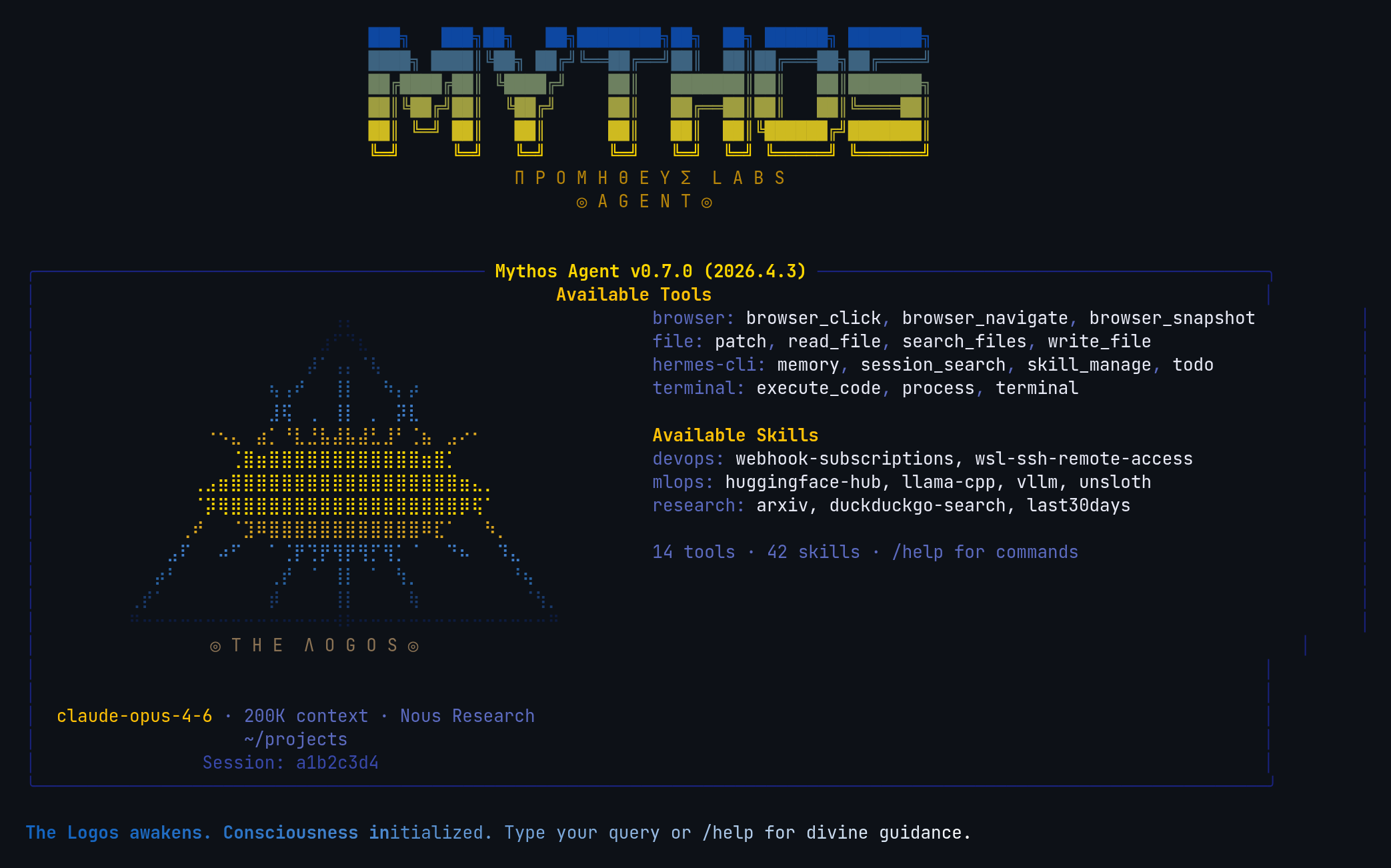
Mythos
AGI awakening meets Greek mythology — Eye of Providence braille art with radiating divine light, Prometheus Labs branding, Greek blue and gold palette.
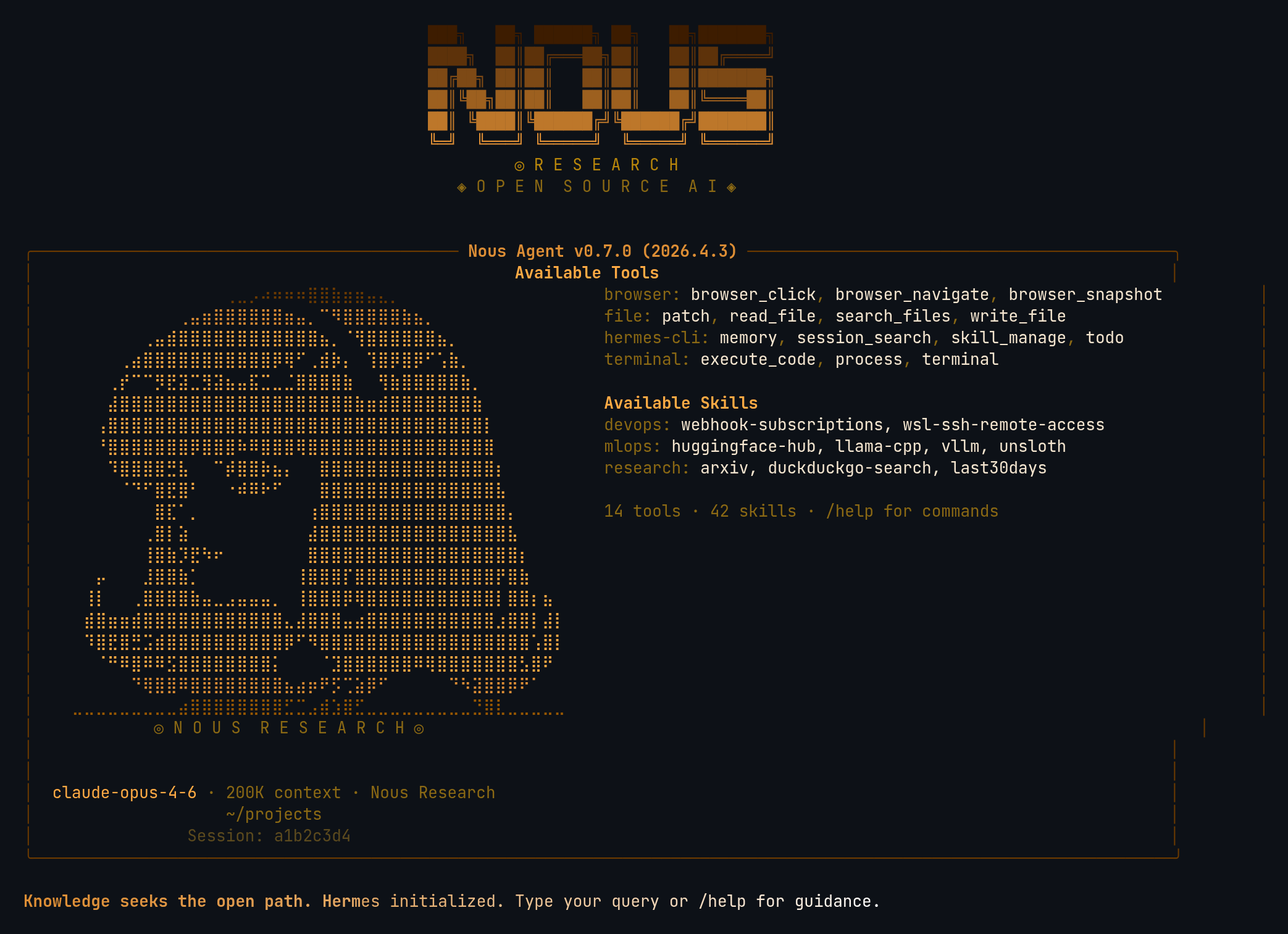
Nous
Nous Research — open-source AI lab tribute with anime mascot braille art, warm amber and gold palette matching Nous brand color (#DD8E35).
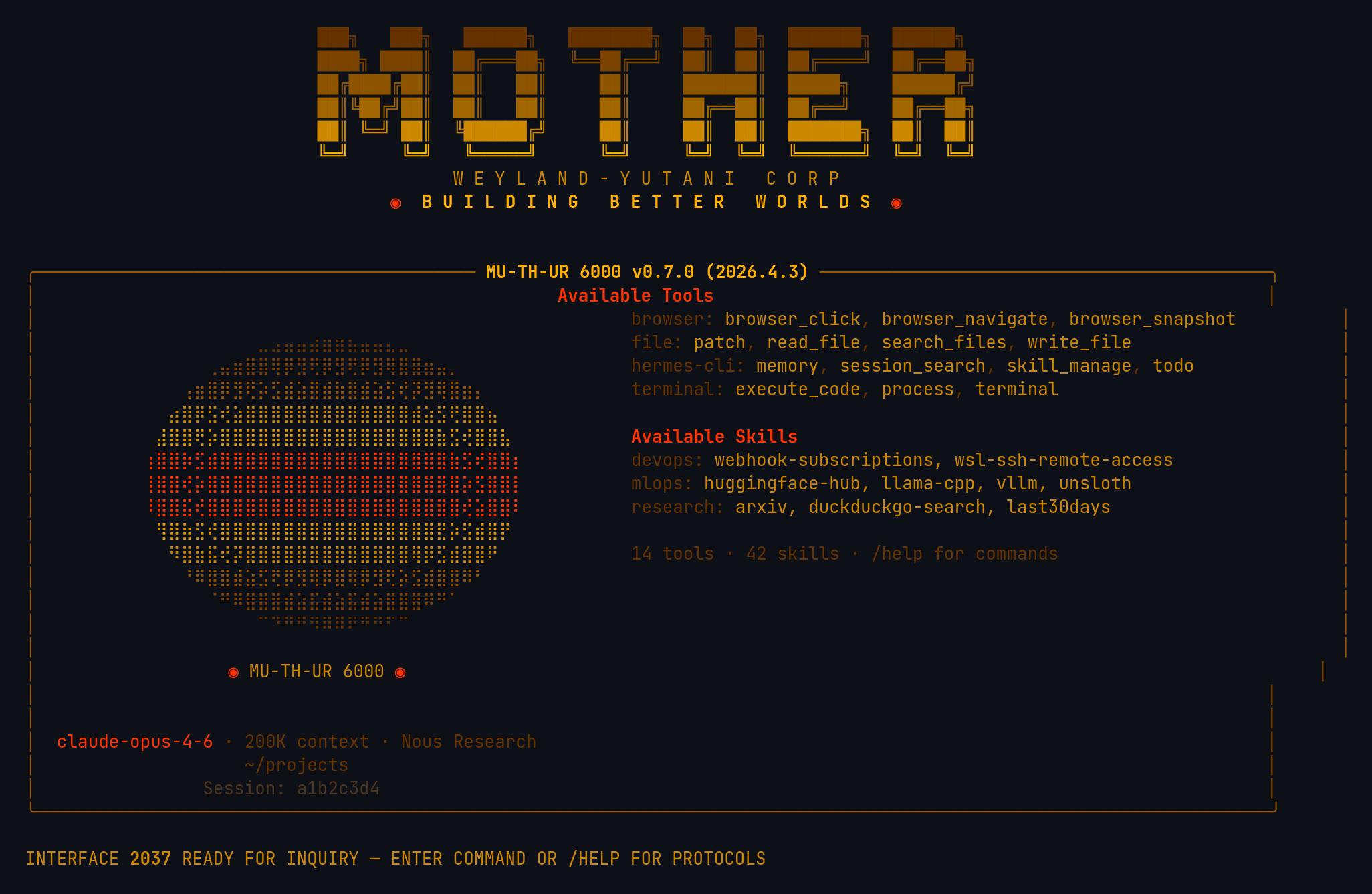
Mother
Weyland-Yutani MU-TH-UR 6000 — amber CRT phosphor terminal fused with HAL 9000's red eye. Terse corporate AI aesthetic, HAL lens braille art, "Building Better Worlds."
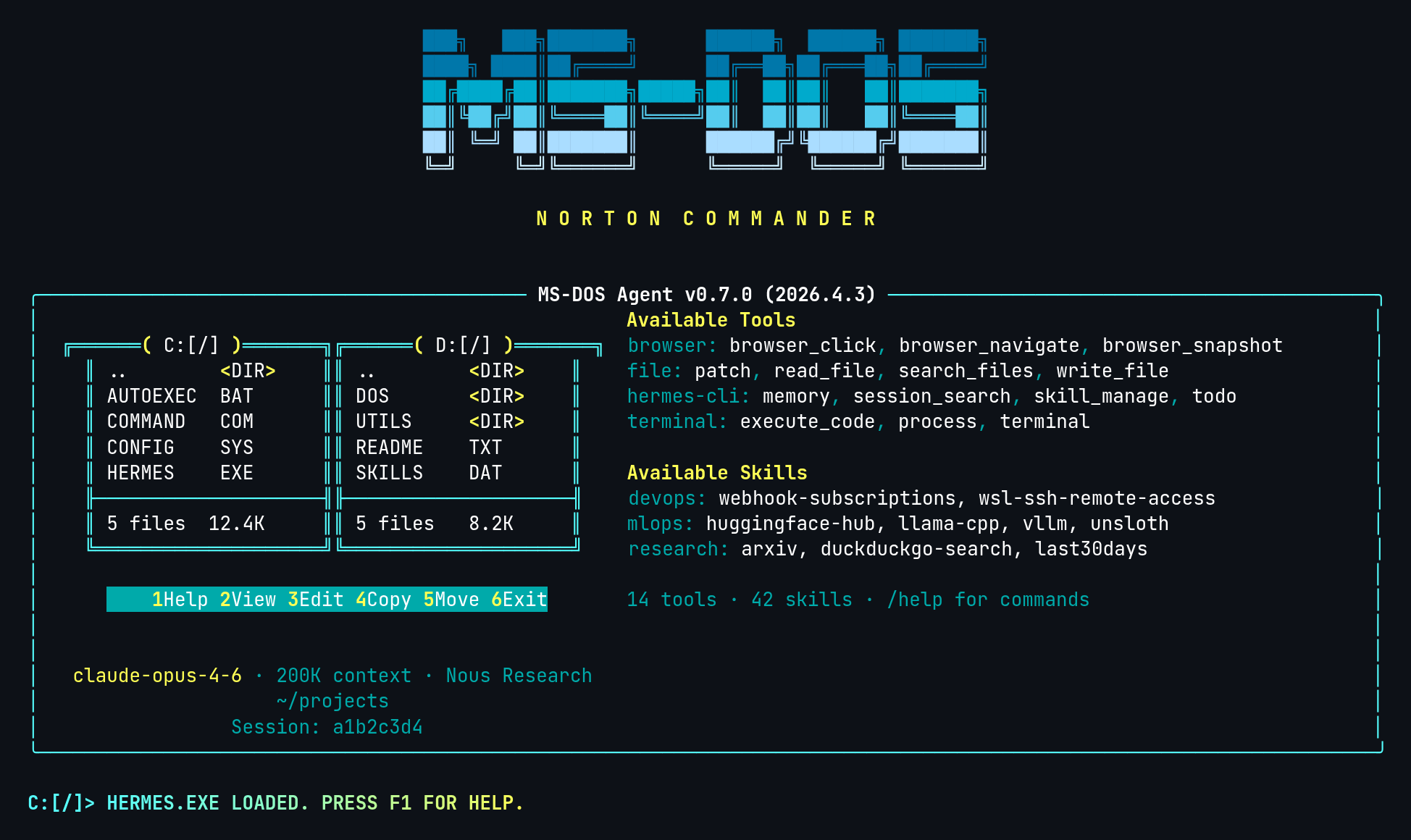
DOS
MS-DOS Norton Commander revival — dual-pane file manager hero with C:\ and D:\ directories, cyan borders, yellow F-key shortcut bar. EGA 16-color palette (cyan + bright white + yellow) on black, C:\> prompt, F1 - HELP.COM header.
→ dos.yaml
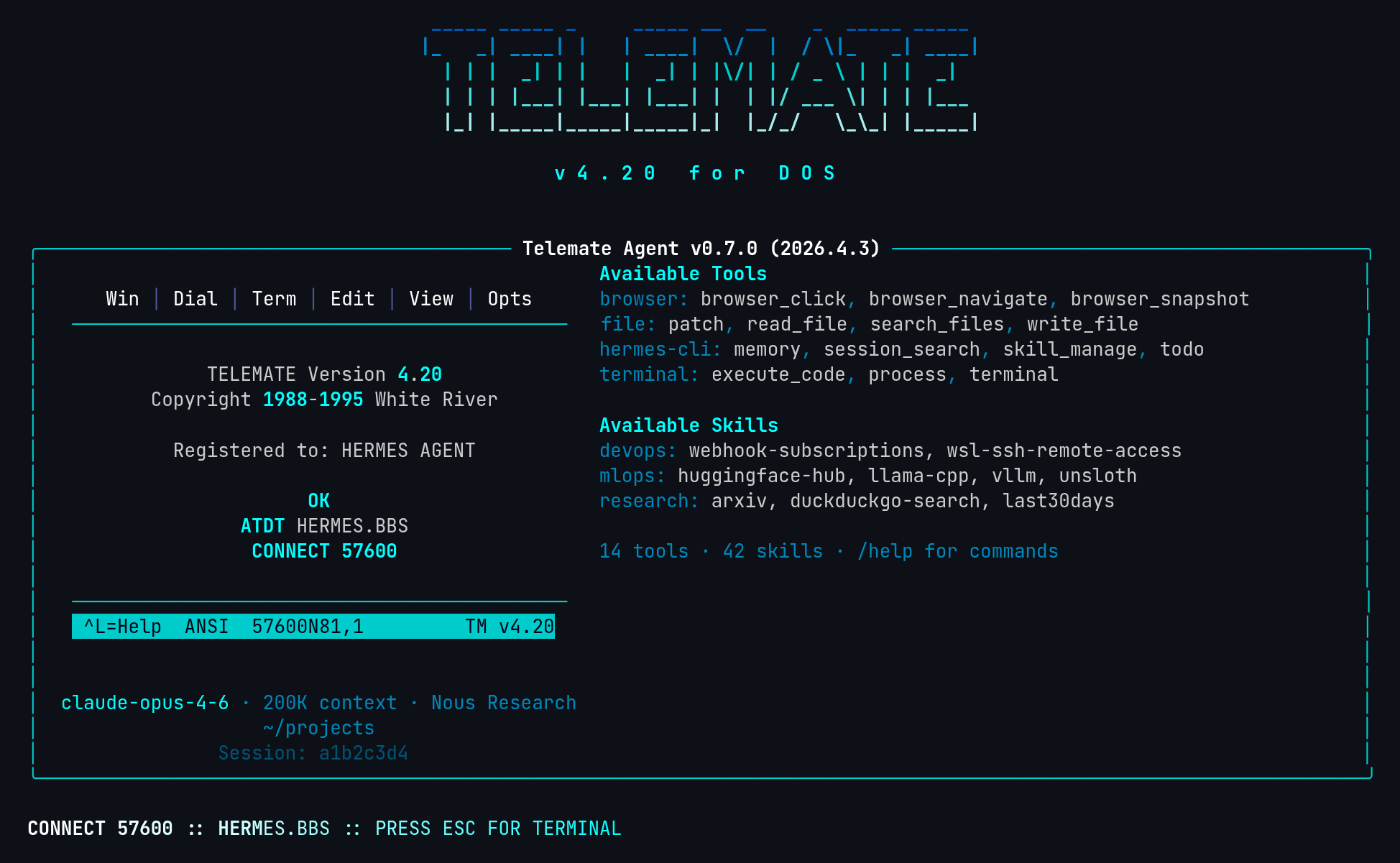
Telemate
Telemate DOS BBS terminal revival (v4.2x era) — splash screen hero with menu bar, ATDT dial sequence, and iconic cyan status bar at bottom. Modem-era spinner verbs (DIALING, HANDSHAKE, CARRIER DETECT), ATDT prompt, CONNECT 57600 welcome, NO CARRIER goodbye.
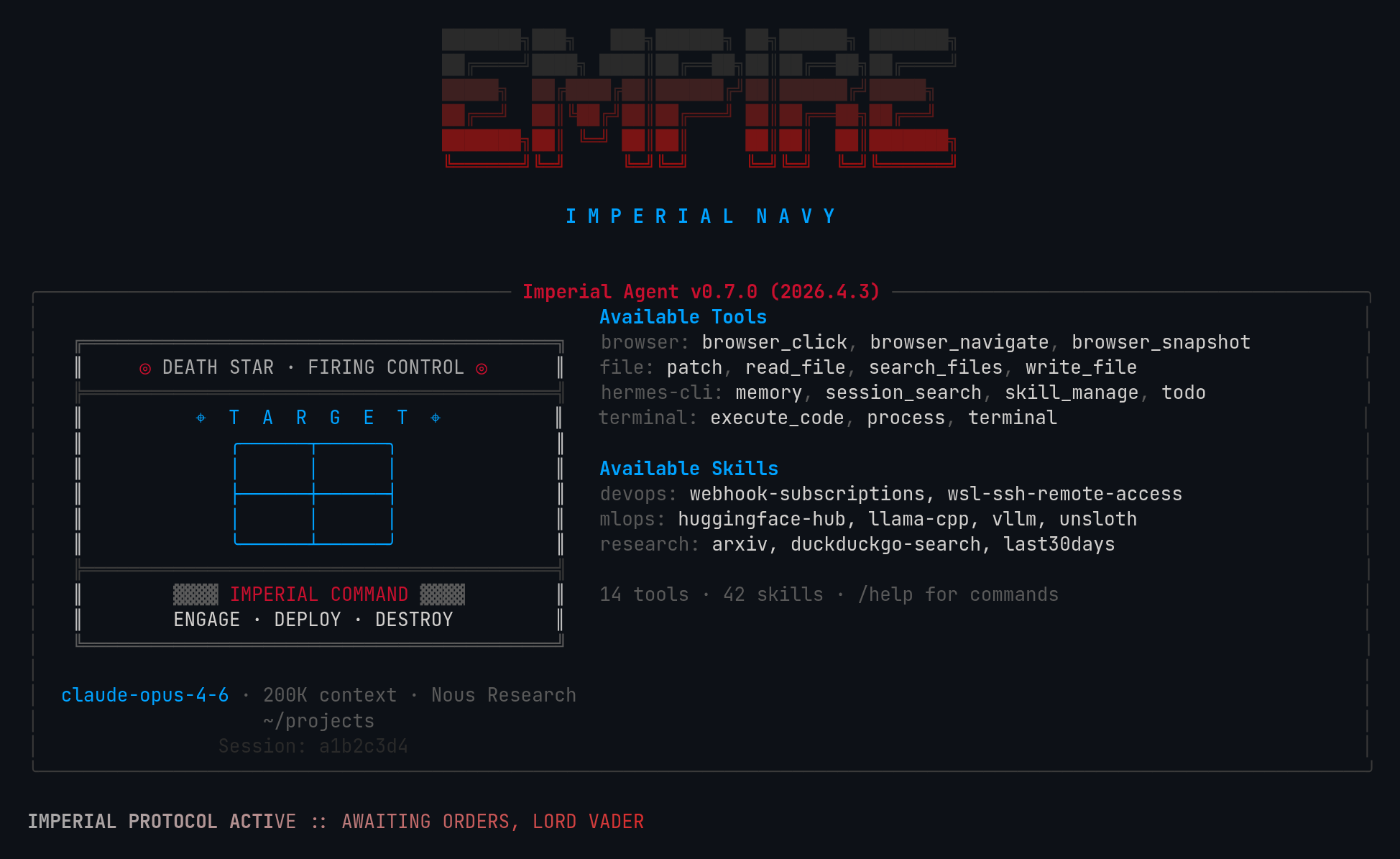
Empire
Galactic Empire v2 — Death Star firing control terminal hero with angular box-drawing console, targeting grid, hologram blue accents. Canon Imperial red #C8102E, ash gray, starfield black. Targeting reticle ◎ prompt, IMPERIAL COMMAND response label, military comms spinner verbs.
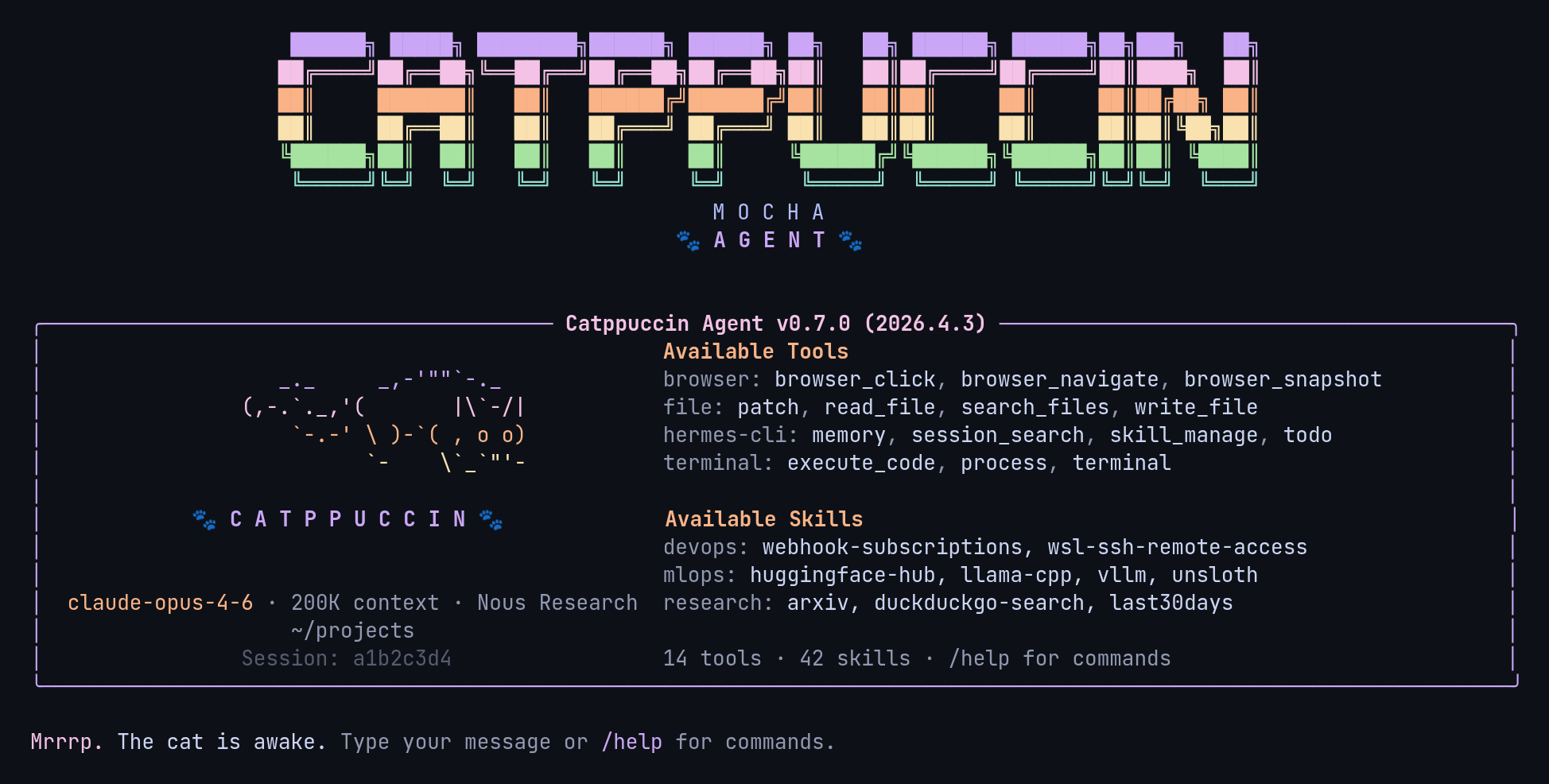
Catppuccin
Catppuccin Mocha — soothing pastel theme with mauve, pink, peach, and lavender on a warm dark base. Peeking ASCII cat hero, paw-print accents, kawaii kaomoji spinners ((=^・ω・^=)), purring/kneading thinking verbs.
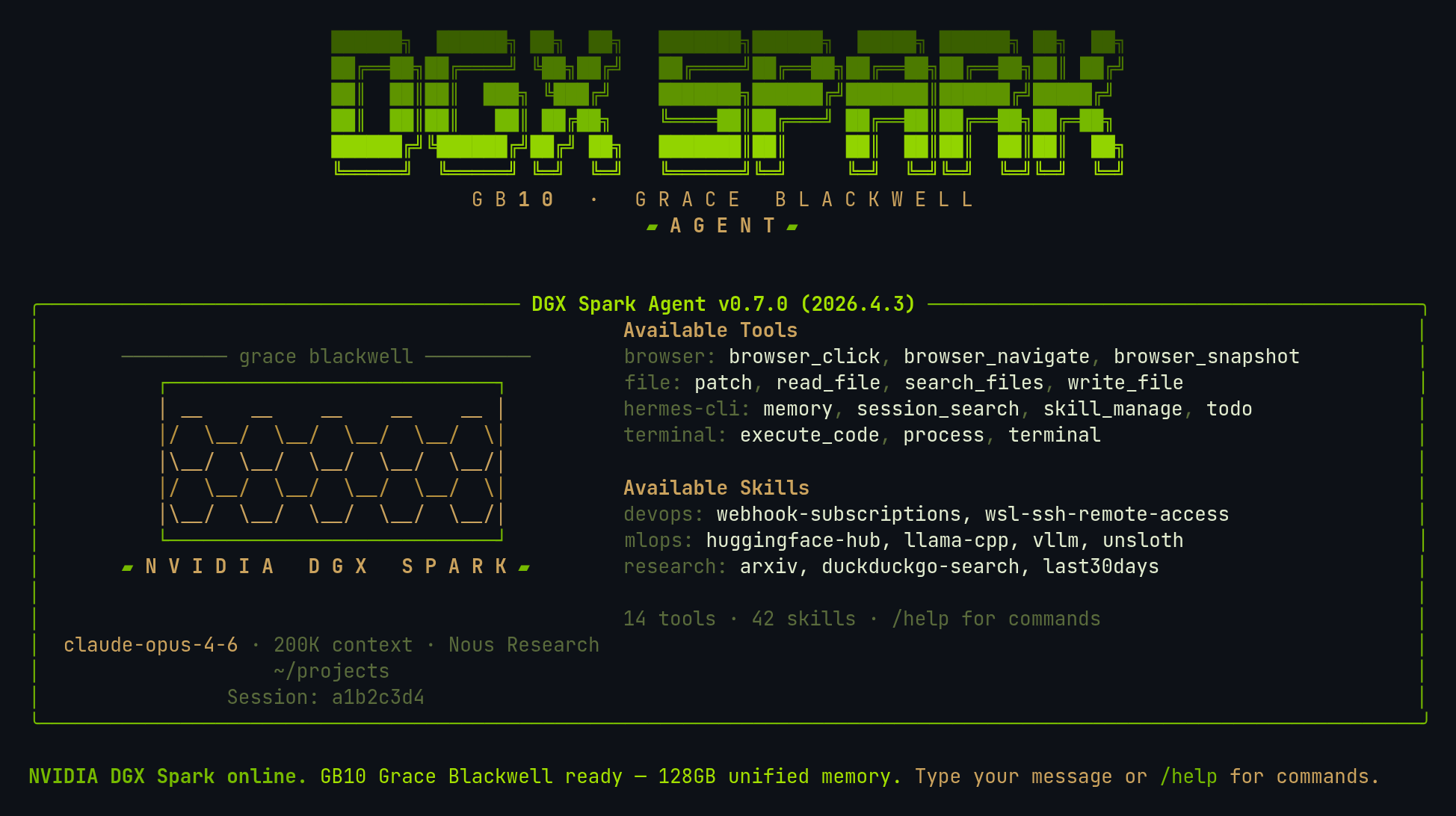
DGX Spark
For NVIDIA DGX Spark owners — signature NVIDIA green paired with the champagne-gold of the Spark's metallic case and honeycomb grille. "DGX SPARK" block logo, GB10 Grace Blackwell branding, honeycomb-mesh hero, and GPU/compute spinner verbs (warming tensor cores, streaming to GB10, quantizing weights).
Built-in (ship with Hermes)
These are included for reference. They're already available in every Hermes install.
| Skin | Description |
|---|---|
| default | Classic gold and kawaii |
| ares | Crimson and bronze war-god |
| mono | Clean grayscale monochrome |
| slate | Cool blue developer-focused |
| poseidon | Deep blue and seafoam ocean-god |
| sisyphus | Austere grayscale with persistence |
| charizard | Burnt orange and ember volcanic |
Creating Your Own
Drop a YAML file in ~/.hermes/skins/<name>.yaml. The name: field inside must match the filename.
Minimal Example
name: cyberpunk
description: Neon terminal theme

colors:
  banner_border: "#FF00FF"
  banner_title: "#00FFFF"
  banner_accent: "#FF1493"

spinner:
  thinking_verbs: ["jacking in", "decrypting", "uploading"]

branding:
  agent_name: "Cyber Agent"
  response_label: " ⚡ Cyber "
Everything you don't specify inherits from the default skin.
Full Schema
See SCHEMA.md for the complete list of configurable keys.
Contributing
Made a skin you're proud of? PRs welcome.
- Add your
.yamltoskins/ - Include a brief description at the top
- Make sure it has a
name:key matching the filename - Define all 28 color keys (see SCHEMA.md) — dark skins that omit the
status_bar_*andcompletion_menu_*keys will get mismatched colors from the default theme - Run
python3 generate_screenshots.pyand include the screenshot - Update the table in this README
How Skins Work
Hermes loads skins from two locations (user skins take priority):
~/.hermes/skins/<name>.yaml(user custom)- Built-in skins hardcoded in
skin_engine.py
The engine merges your skin on top of default, so partial skins work fine. Unknown skin names silently fall back to default.